🌿 5 High-Ranking Article Insights (In Plain English)
If you’re just starting with on-page SEO for beginners, don’t worry — this section will make things much clearer for you.
This guide on on-page SEO for beginners is written to help you understand things step by step, without confusion or heavy technical terms.
I went through a lot of top-ranking resources from 2026 to see what actually works today. And interestingly, most of them are saying almost the same thing — just in slightly different ways.
Here’s what I found 👇
🔎 wordstream.com
They focus on a simple 11-point checklist like keywords, titles, headings, images, links, and content quality.
The main idea is simple: 👉 On-page SEO connects everything on your page.
🔎 seologist.com
They explain SEO using three easy ideas: Relevance, Understandability, and Experience.
In 2026, they also highlight something important — Core Web Vitals and mobile-friendly websites matter more than ever.
🔎 becomingseo.com
This one focuses on making SEO feel human again.
They mix readability with AI-friendly structure and give simple pre-publish checklists so beginners don’t miss basic things.
🔎 adilrafeeque.com
Very beginner-friendly.
They break everything into simple parts like keyword placement, heading structure, and image alt text — nothing complicated, just the basics done right.
🔎 backlynk.io
This one is more data-focused.
They talk about things like Core Web Vitals, E-E-A-T, schema, and content freshness — basically what Google uses to judge quality today.
💡 Simple takeaway
After going through all these, one thing becomes very clear:
👉 Good on-page SEO for beginners is not about doing many things 👉 It’s about doing the basic things correctly and consistently
If you understand that, you’re already ahead of most beginners.
Where this new guide goes further: I’ve distilled the must‑do actions, stripped out jargon, and added real lessons from my own SEO experiments — what actually moved my rankings from page 5 to page 1.
Introduction: My “Oops” Moment with On‑Page SEO
When I first started blogging, I thought good writing alone would rank. I’d hit “publish,” refresh Google every hour… nothing. Days later, I’d still be invisible.
Then I realized: Google doesn’t rank what it can’t understand clearly.
Once I learned how to structure and optimize each page — titles, headings, links, images, even filenames — everything changed. Traffic doubled in a month. My posts started ranking for terms I never even targeted directly.
So if you’ve ever felt lost in SEO jargon, this step‑by‑step beginner’s playbook is for you.
What Is On‑Page SEO?
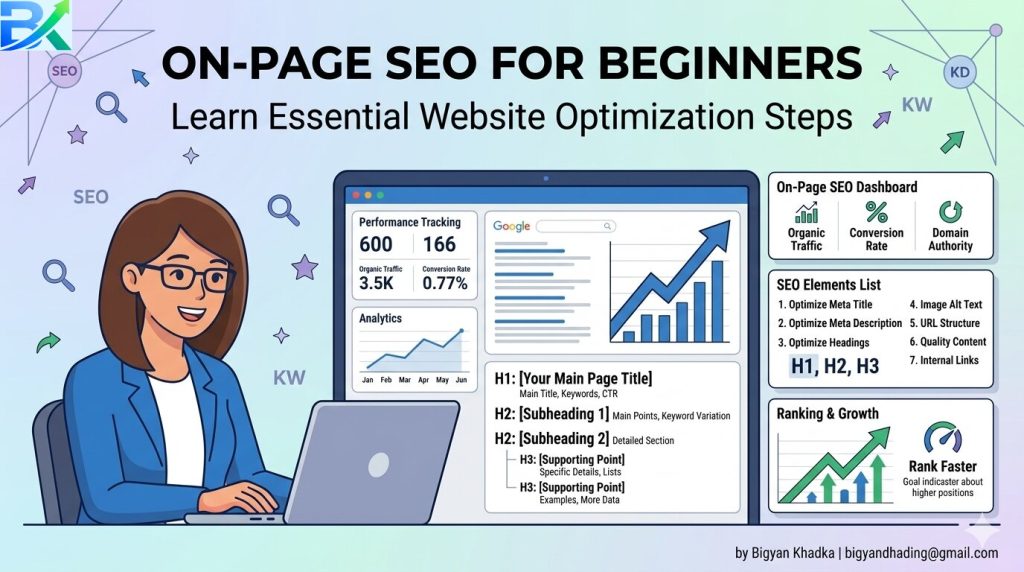
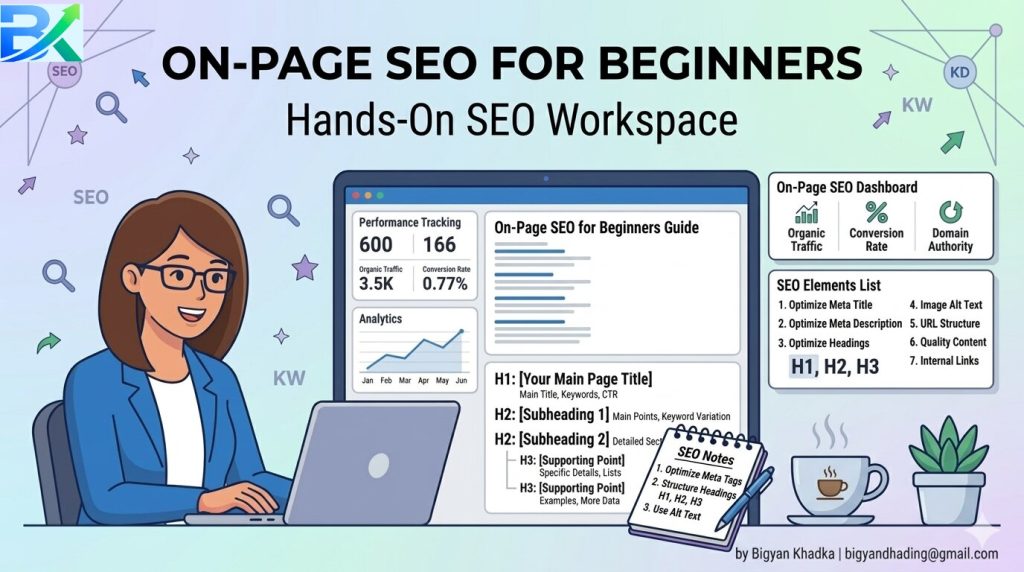
On‑page SEO is everything you control on your own webpage to help Google (and humans) understand it.
In simple terms, it’s like teaching both readers and search engines what your page is about — using smart signals inside your text, HTML, and media.
It includes:
Keywords and headings
Titles, URLs, and meta descriptions
Internal links and image alt text
Page loading speed and mobile friendliness
Think of it as tuning the engine of your website before racing it on Google. Before diving deeper into on-page optimization, read this complete SEO for Beginners guide to understand the fundamentals first.
Step 1: Get into the “Keyword Mindset”
Before writing a single word, ask:
What exactly would you type into Google to find this page?
Use that as your primary keyword, like “on‑page SEO for beginners.” Then list 2–3 related phrases: “SEO tips for beginners,” “on‑page SEO checklist,” “improve Google rankings.”
Smart Keyword Mindset:
One main keyword per page (avoid overlap).
Match search intent: Are people asking what, how, or why?
Don’t chase high volume; chase relevance.
In my early posts, I targeted broad words like “SEO.” They never ranked. When I switched to long-tail phrases like “simple on-page SEO tips for beginners,” everything started changing. My rankings improved faster, and I finally began getting consistent traffic from Google.
If you’re still confused about how Google actually ranks websites, start with this beginner-friendly guide on Google SEO Basics to understand how search engines work step by step.
Step 2: Craft a Compelling Title Tag + Meta Description
Your title and meta description are your billboard on Google.
Title tag tip: Front‑load your keyword and promise a benefit.
Example: “Simple On‑Page SEO for Beginners: Rank Higher Without Tech Skills”
Meta description formula:
Mention your keyword once.
Summarize the benefit or problem you solve.
Add an emotional or action‑based phrase.
“Learn practical on‑page SEO for beginners — real steps I used to boost traffic and climb Google’s results.”
Keep titles under ~60 characters and descriptions under ~160.
Step 3: Write Human‑Friendly, Helpful Content
Here’s the truth: Google’s Helpful Content System loves authentic writing. Forget robotic keyword stuffing — write for people first.
The approach I use:
Open with a personal story or relatable pain point.
Promise a result.
Structure information logically with clear subheadings.
Use short paragraphs, lists, and images.
Bonus: Mention real results or experiences — that’s part of E‑E‑A‑T.
Step 4: Master Your Headings (H1, H2, H3)
Headings are road signs for your page.
H1 = Main topic (only one per page)
H2 = Major sections
H3 = Supporting subtopics
When I finally organized my posts with clear headings, my bounce rate dropped noticeably and rankings improved — Google could “read” my structure faster.
[Image: Optimizing images for on-page SEO] 👉 Image URL: yourblog.com 👉 Alt Text: “describe how image optimization helps with on-page SEO for beginners” 👉 Caption: Optimized images make your page lighter and easier for Google to understand.
Most beginners upload images straight from their phone — huge mistake.
Search intent evolves. Review old posts every 3–6 months. Update screenshots, stats, and examples. Add “Last updated: [month/year].”
I’ve seen 2‑year‑old posts jump back into top positions just from timely updates.
Step 12: Track and Adjust with Google Search Console
Don’t guess — measure. Search Console shows which keywords bring clicks, impressions, and where you’re stuck.
Check:
Click‑through rate (CTR) → Improve titles/meta.
Average position → See what’s rising or dropping.
Coverage issues → Fix indexing problems fast.
Quick On‑Page SEO Checklist
✅ One main keyword per page ✅ Keyword in title, first 100 words, one H2 ✅ Descriptive title & meta description ✅ Logical headings (H1–H3) ✅ Internal & external links added ✅ Compressed, alt‑tagged images ✅ Mobile‑friendly & fast loading ✅ Author info + updated date ✅ Content updated regularly ✅ Analytics and GSC tracking setup
Common Mistakes I Made (So You Don’t Have To)
Stuffing keywords – I thought “more = better.” It killed readability.
Ignoring internal links – Pages became isolated islands.
Skipping alt text – Missed out on easy image traffic.
Neglecting mobile layout – Half my users bounced instantly.
Every beginner does this. The real success came once I started treating SEO as ongoing care, not a one‑time checklist.
How Long Does On‑Page SEO Take?Real talk: SEO is a slow burn.
Small wins: ~2–4 weeks (better CTR, improved speed, stronger indexing)
Visible rankings: ~2–3 months
Major authority and steady traffic growth: 6–12 months
Think of SEO like fitness — every optimized page is a workout that compounds over time.
SEO works the same way — small improvements build momentum over time.
On-page SEO for beginners means optimizing everything inside your website pages like content, titles, headings, images, and internal links so that Google can understand and rank your page better. It helps improve visibility and organic traffic.
❓ How long does on-page SEO take to show results?
On-page SEO usually takes time. You may see small improvements in 2–4 weeks, but real ranking changes often appear in 2–3 months depending on competition, content quality, and consistency.
❓ Is on-page SEO enough to rank on Google?
On-page SEO is very important, but it is not always enough alone. You also need off-page SEO (like backlinks) and good content quality to achieve higher rankings in competitive keywords.
❓ What are the most important on-page SEO factors?
The most important factors include:
Keyword optimization
Title and meta description
Headings structure (H1, H2, H3)
Internal linking
Image optimization
Page speed and mobile friendliness
❓ How can beginners improve on-page SEO easily?
Beginners can improve on-page SEO by focusing on simple steps like using the right keywords, writing clear headings, adding internal links, optimizing images, and making content easy to read for users.
Final Thoughts: Your Action Plan to Rank Higher
If you only remember one thing from this guide to on-page SEO for beginners, let it be this:
Google rewards clarity, consistency, and genuinely helpful content. That is the core of on-page SEO for beginners that actually works in 2026.
Most beginners think on-page SEO for beginners is about tricks, hacks, or gaming the algorithm.
It’s not.
Good on-page SEO for beginners is really about making your content easier for both users and search engines to understand. When you focus on on-page SEO for beginners properly, everything becomes clearer and more structured.
And when you apply on-page SEO for beginners consistently, Google naturally starts rewarding your pages with better visibility and higher rankings over time.
Here’s your simple 3-step action plan for today:
Pick one important page or blog post on your website.
Follow the on-page SEO for beginners checklist from this guide step by step.
Monitor your progress using Google Search Console and keep improving your on-page SEO for beginners strategy gradually.
I’ve personally tested every strategy in this guide on on-page SEO for beginners, and they consistently improved my rankings, click-through rates, and organic traffic.
And trust me…
That moment when your article finally reaches page one on Google after applying on-page SEO for beginners techniques feels incredibly rewarding.
SEO may seem slow at first, but on-page SEO for beginners shows that small optimizations compound over time.
One improved title. One better internal link. One faster-loading page.
Those tiny improvements eventually create massive long-term growth through on-page SEO for beginners practices.
If you’re serious about learning on-page SEO for beginners, focus on steady progress instead of perfection.
Start with one page.
Then optimize the next one.
And the next.
That’s how real SEO success is built with on-page SEO for beginners.

Pingback: 7 Proven & Powerful Tips on How to Write SEO Friendly Blog Posts (2026 Guide)
Pingback: Headings for SEO: H1 H2 H3 Structure Guide That Works
Pingback: 3 Proven & Effective Best Free SEO Tools for Beginners to Grow Traffic Fast (No Cost)
Pingback: How to Optimize Images for SEO (7 Easy Ways to Boost Google Rankings)